Repair PDF files for print
Use PDF Press to clean and reserialize damaged PDF files. It is built for prepress teams fixing files that fail in RIPs, viewers, or workflows, with local browser processing and a live preview before export.
Direct answer
What is repair PDF?
Fixes common PDF structural issues by re-serializing and optionally cleaning up metadata and annotations.
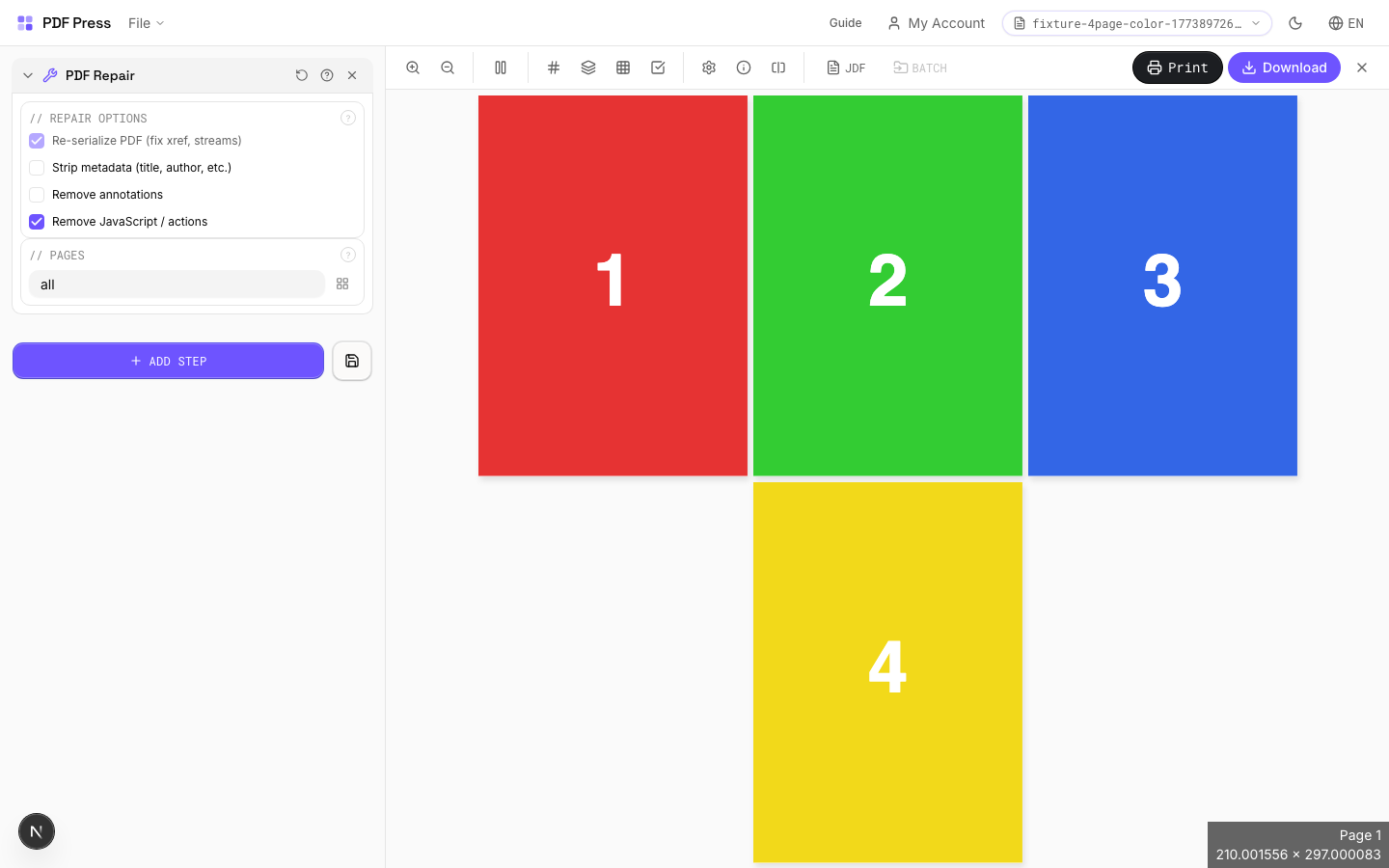
PDF Repair re-writes the PDF from scratch: fixing broken cross-reference tables, invalid stream lengths, corrupt object numbering, and other structural damage that can cause RIPs and prepress software to reject files. Optional cleanup removes metadata (title, author, creation dates), flattens annotations, and strips embedded JavaScript: all common requirements for prepress-clean PDF delivery.
How to use PDF Repair
Upload files
Start with your source PDF or image files. Processing happens locally in the browser.
Add PDF Repair
Configure Repair Options, Pages and any production settings that match the job.
Preview the result
Check page order, marks, scaling, and output geometry before committing the export.
Download output
Export the finished PDF for proofing, press, finishing, or another PDF Press step.
Best use cases
Key settings
Repair Options
Select which repair and cleanup operations to apply.
Re-serialize (always on): rebuilds the entire PDF structure from scratch: fixes xref tables, stream lengths, and object numbering. Strip metadata: removes document info (title, author, creator, dates): standard for press-ready files to avoid leaking client data. Remove annotations: flattens or deletes annotations (comments, stamps, highlights) that can cause unexpected marks in print output. Remove JavaScript: strips embedded scripts and actions: eliminates security risks and RIP compatibility issues.
Pages
Specify which pages to process using a range expression.
Examples: 'all' = every page. '1-5' = pages 1 through 5. '1,3,5' = specific pages. '1-10 odd' = odd pages 1-9. '2-20 even' = even pages 2-20. 'last' = last page. 'last-2' = third from last. Ranges are 1-based. Combine with commas: '1-5, 8, 12-15'.
Expert tip
Run PDF repair on files that crash the RIP or show rendering artefacts. It rebuilds the cross-reference table, fixes broken font references, and re-encodes damaged streams.
Repair cannot reconstruct severely corrupted files with missing page streams. Always keep the original file as a backup.
Production recipes using PDF Repair
Preflight and Fix
Identify and repair common PDF issues before production.
Frequently asked questions
What is the PDF Repair tool used for?
Fixes common PDF structural issues by re-serializing and optionally cleaning up metadata and annotations.
Who should use repair PDF?
It is built for prepress teams fixing files that fail in RIPs, viewers, or workflows. Common use cases include Corrupt PDF Recovery, Prepress Cleanup, RIP Compatibility, Metadata Removal.
Do my PDF files upload to a server?
No. PDF Press runs the PDF processing workflow in your browser, so your files stay on your device.
Can I use PDF Repair with other PDF Press tools?
Yes. You can combine it with other PDF Press tools in a multi-step workflow, then preview and export the final PDF.