Interleave PDFs for duplex scans and mixed files
Use PDF Press to mix pages from multiple PDFs in alternating or custom order. It is built for teams rebuilding duplex scans or combining front and back files, with local browser processing and a live preview before export.
Direct answer
What is interleave PDFs?
Interleaves pages from two documents: combine front and back sides from a duplex scan.
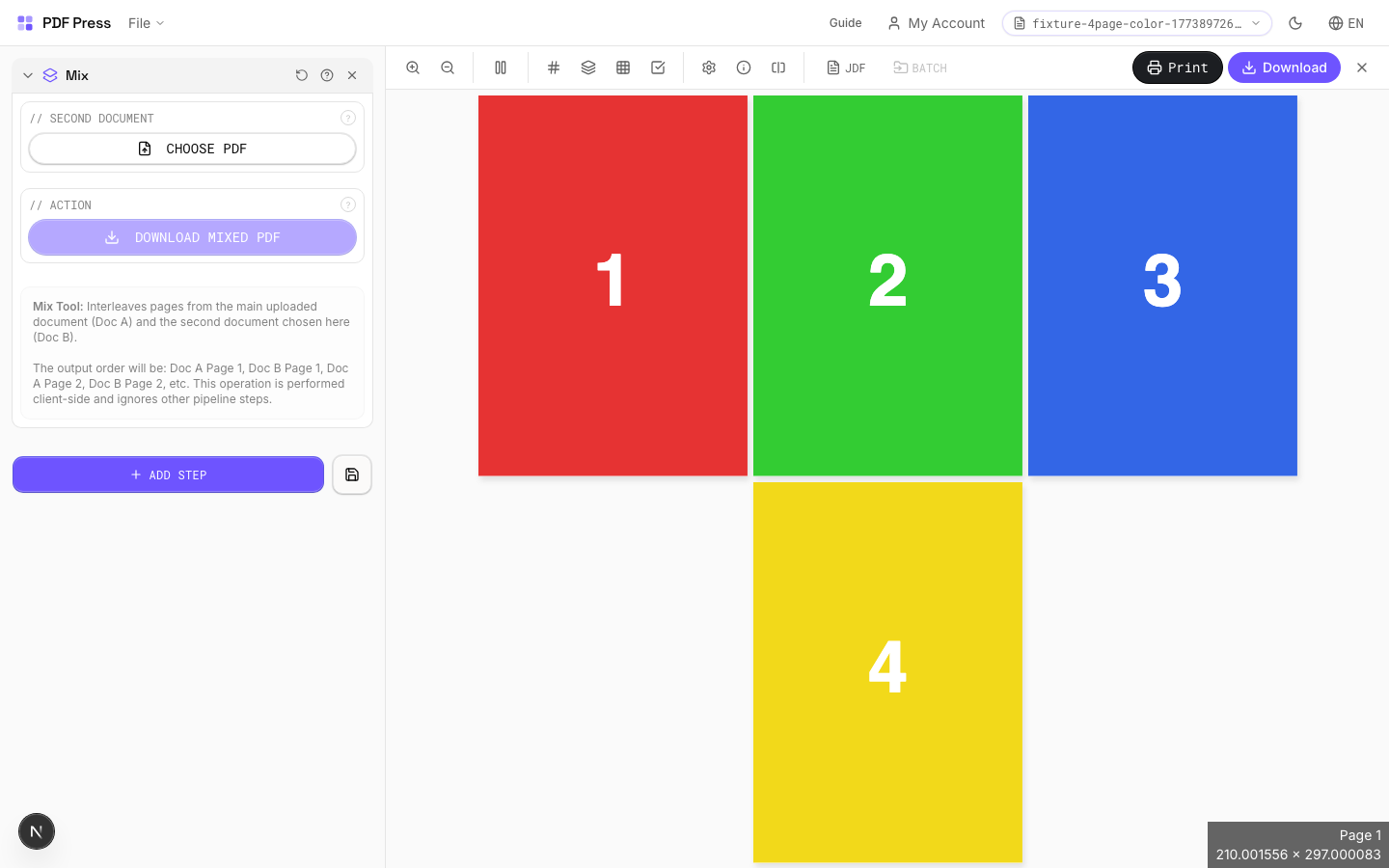
Takes pages from the main document and a second uploaded PDF and weaves them together in alternating order. The classic use case: you scan all front sides, then all back sides, and Mix reassembles them into the correct page order.
How to use Mix
Upload files
Start with your source PDF or image files. Processing happens locally in the browser.
Add Mix
Configure Second Document, Action and any production settings that match the job.
Preview the result
Check page order, marks, scaling, and output geometry before committing the export.
Download output
Export the finished PDF for proofing, press, finishing, or another PDF Press step.
Best use cases
Key settings
Second Document
Upload the second PDF to interleave with the main document.
The output alternates pages: main page 1, second page 1, main page 2, second page 2, and so on. If one document has more pages, the remaining pages are appended at the end.
Action
Download the mixed result as a single PDF file.
Expert tip
Mix interleaves pages from two PDFs. The standard pattern (ABAB) creates duplex-ready output from separate front and back files.
Both source files must have the same page count for 1:1 interleaving. If the counts differ, excess pages from the longer file are appended at the end.
Production recipes using Mix
Duplex Interleave
Interleave separate front and back files for duplex printing.
Frequently asked questions
What is the Mix tool used for?
Interleaves pages from two documents: combine front and back sides from a duplex scan.
Who should use interleave PDFs?
It is built for teams rebuilding duplex scans or combining front and back files. Common use cases include Duplex Scan Merge, Page Interleaving, Collation.
Do my PDF files upload to a server?
No. PDF Press runs the PDF processing workflow in your browser, so your files stay on your device.
Can I use Mix with other PDF Press tools?
Yes. You can combine it with other PDF Press tools in a multi-step workflow, then preview and export the final PDF.